
FlutterFlow is a new web framework were you can develop beautiful flutter apps faster than ever using visual, drag and drop without any code! FlutterFlow supports API configurations, Google’s Firebase as well which is really awesome but they come with a price. FlutterFlow requires subscription to access to all its options.
FlutterFlow UI
FlutterFlow, as we said, is a web framework, so it comes with a clean, beautiful UI that you don’t get lost the first time seeing, which is a thumbs up to the developers!
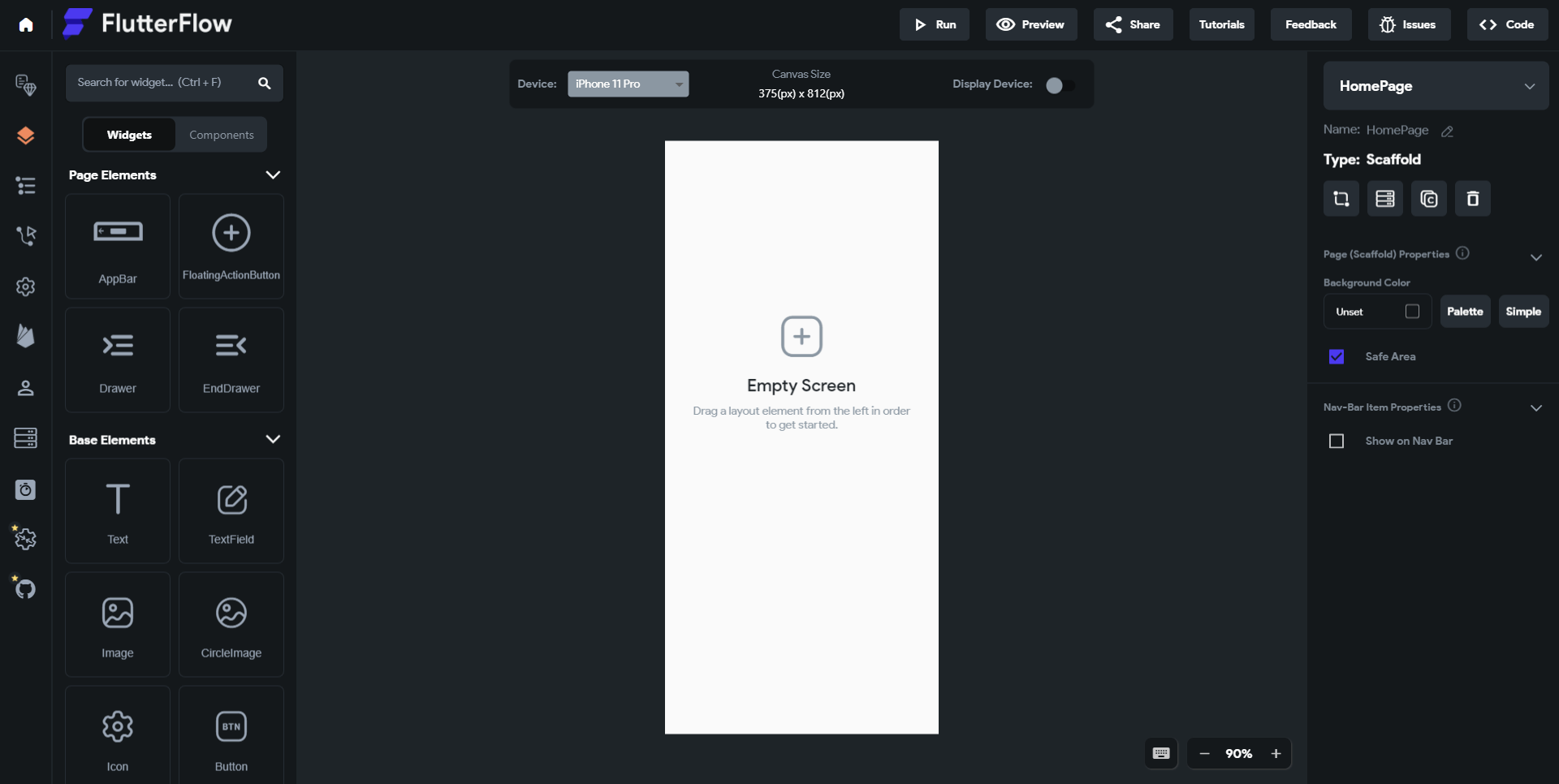
As you can see here, this is the UI and empty screen when you create a new project. On the left side is where the options or tools reside. And on the right side is where the properties for a page or a widget takes place which we are going to talk about in this article.
1-FlutterFlow Tools (Options)
Here there are multiple tools you can choose from. For example, the first one is choose a page and the second one is widgets. When you open the widget tool, you can choose one of many Flutter widgets and drag them into the screen. After a widget is inserted you can click on it to access its properties which resides on the right side.
2-Properties of a Widget
After choosing a widget of your choice, you want to edit its properties right? Of course you want to! Then how can you edit? it's too simple and too easy. Let's take an example and choose a Text widget, in Text widget there is text size property, font property and so on… You can simply just change anything you want without a slight of code as we mentioned earlier.
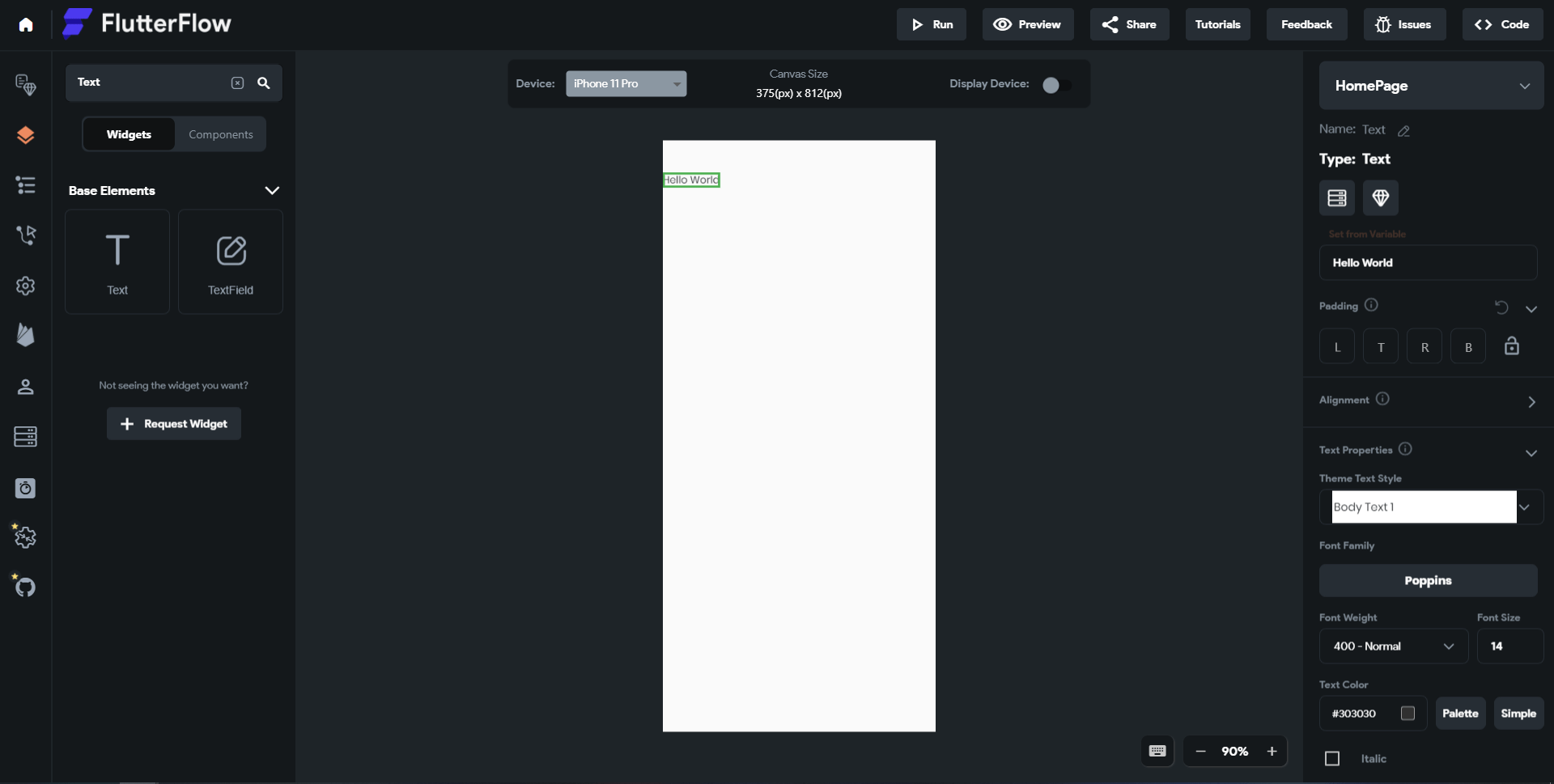
You can simply change its vertical alignment using a slider how cool is that! So each widget property you can change in coding can be changed here with a simple UI.
After adding many widgets the tree goes big right? and you can easily get lost. In Tools there is widget tree were you can all widgets placed in correct order to its parent widget.
Can we take advantage of generated code here?
A Junior Flutter developer can take advantage of FlutterFlow generated code by checking how we can create a specific design? a junior developer is still learning and doesn’t have much experience yet and doesn’t know some tricks or how to place a widget in a specific position. They can just create a sample of that specific design he/she wants to mimic, then check how FlutterFlow generated the code and see the how they got placed in code. They can use this as an advantage and get more experience and get more knowledge on how to create or mimic a design for their app.
Were there problems with FlutterFlow?
When you talk about software products, developers always say, "what are the problems in this environment?" The first thing that comes to mind is, are all widgets available in FlutterFlow ? The answer is no. Not all widgets are available, But the most important and used ones are. For example, the table widget isn't used that much from my experience, and it's not available here, which kind of makes sense.
Another problem that comes to my mind is the API configuration feature is paid, and most of the time, when you develop an app, you really need at least one API, but here you will need to pay about 70$ per month.
And of course, whenever you develop anything, coding is always way better because you don't know how the code is generated and how optimized the code is. When you code, you control everything, like how the classes work or what algorithms you developed but here, you just can't.
So after all the talking, what are the pros and cons ?
Each software must come with pros and cons, nothing is perfect in this world. I will list them from my own perspective.
Pros
- FlutterFlow is really easy to work with and easy to develop flutter apps
- Friendly UI Developing an app is way faster than ever before Easy to learn You can test a page immediately with their emulator
Cons
- Coding manually always better
- Expensive if you wish to access all its features
- Not all widgets are available yet
- Only has couple of phones to test
Conclusion
FlutterFlow is an amazing web framework that can create beautiful Flutter apps with drag and drop and zero coding. It has really simple UI and many functions to work with. But it comes with a sub fee monthly and a bit expensive. FlutterFlow is still new framework and has a lot of potential in the near future and it might be the future of building Flutter apps.
Hello MAUI!
8/7/2021
MAUI is the next evolution of Xamarin.Forms,Which is built on 6 Or 7 years Xamarin Forms experience,What is Blazor?
8/7/2021
In this article, we will understand what Blazor is, but before that, let's first understand how web applications are developed today
Introducing FlutterFlow
8/7/2021
Building Flutter apps is now faster than ever with FlutterFlow!
Next.js, an awesome piece of technology
11/7/2021
Next.js is a react framework, which It means It’s a platform for developing single page application using react , it makes the wesite faster and high performance

Ready to raise the difficulty level?